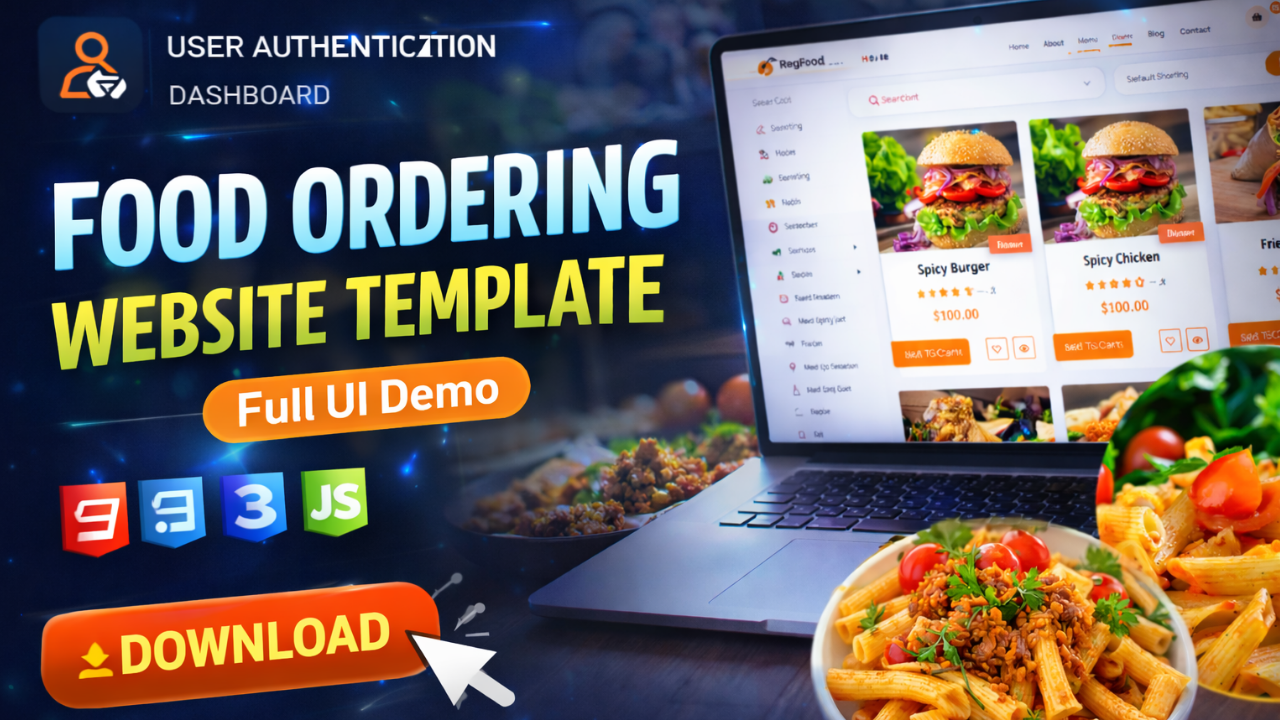
Food Ordering Website Template in HTML CSS – Complete Guide & UI Demo
Food Ordering Website Template in HTML CSS – Complete Guide & UI Demo
Introduction
Creating a modern food ordering website from scratch can take a lot of time, especially when designing UI pages like menu, cart, and checkout.
A food ordering website template in HTML CSS helps developers quickly build and customize a professional-looking website without starting from zero.
What is a Food Ordering Website Template?
A food ordering website template is a pre-designed frontend layout that includes all essential pages required for a restaurant or food delivery platform.
It allows you to focus on backend logic while the UI is already ready.
Key Features
Authentication Pages
- User login and registration
- Forgot password page
Dashboard & Profile
- User dashboard
- Profile editing
- Address management
- Password settings
Menu & Food Items
- Full menu listing
- Item detail pages
- Wishlist / favorites
Cart & Checkout
- Add to cart system
- Cart view page
- Checkout UI
- Payment page
Order Management
- Order history
- Invoice page
- Order tracking
Additional Pages
- About page
- Contact page
- FAQ section
- Blog pages
- Privacy policy & terms
UI & Design Benefits
- Fully responsive design
- Clean and modern layout
- Easy navigation
- User-friendly interface
Why Use HTML CSS Template?
- Saves development time
- Easy to customize
- No framework complexity
- Perfect for beginners
Who Should Use This?
- Frontend developers
- Students (college projects)
- Freelancers
- UI/UX designers
Ready-Made Template
Instead of designing everything manually, you can use a ready-made food ordering website template HTML CSS to speed up your workflow.
👉 Download the Food Ordering Website Template Source Code
Conclusion
A food ordering website template is the best starting point for building restaurant or delivery platforms. It reduces effort, improves design quality, and helps you launch faster.